
I have often been disappointed with the lack of books by Methodist authors available at the public library. It turns out, they have just been hiding.
If you have a public library card in North Carolina, you can access hundreds of free United Methodist ebooks including recently published and popular titles. This post will tell you how and give you links to some of the most popular titles including some study participant books.
How to Get a Public Library Card
- If you are a resident of North Carolina, you are entitled to a public library card.
- Search online for your county public library.
- Look on their website for a link to register for a library card.
- If you already have a public library card, but you don’t know your library card number and password, you may need to apply for a new one. You will need the number and the password to access the free ebooks. Contact your local library for more info.
Where to Access These Free Ebooks
All North Carolina public library cardholders have free access to an online service called NC LIVE. NC LIVE is a large collection of databases of online resources. To find the Ebooks, follow these steps:
- Go to nclive.org.
- Click “Log in to your library” in the upper right corner.
- Choose your library system from the drop-down box. It is usually the name of your county. If you are having trouble, view this help page.
- Enter your library card number and password or PIN number you received when you registered.
- In the circled icons underneath the NC LIVE search box, click on Ebooks.
- Under “Browse NC LIVE Resources,” you will see a search box.
- Try searching for “Abingdon Press” (our United Methodist publisher) or “United Methodist.” Put the quotes around each search.
- Your results will reveal the titles of hundreds of free ebooks that you can download or read online.

More Tips
Looking through such a big list of titles to find what you want to read may be daunting. Here are some more ideas to narrow your search results.
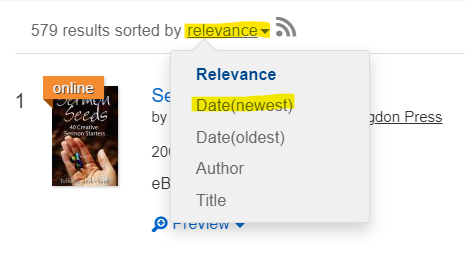
Sort by Newest Titles
- At the top of your list of titles, you will see the number of titles in your search results “sorted by relevance.”
- Click on “relevance” and choose Date(newest).
- This will sort your results with the most recently published titles listed first.
Filter by Subject
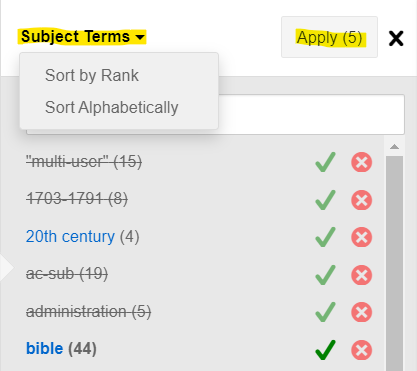
- Scroll down the page a bit until you see “Subject Terms” on the left side menu.
- At the bottom of the subject terms shown, click on More.
- You can sort the subject terms by rank, meaning that subjects with the most number of titles will be listed first. The number of titles with that subject term is listed in parenthesis next to the term. Click on the bold “Subject Terms” at the top of the list to sort by rank.
- Click on the check mark for subjects to include. Click on the X for subjects to exclude.
- Click Apply at the top of the subject term list.
- For example, you can choose to include only subjects about the Bible. Look through the whole list to find subjects that may be relevant to you.
Search By Title, Author, or Keyword
Are you looking for a particular book? Maybe a participant book for a study you are doing? Click the “Back to NC LIVE” icon in the upper left corner. Click on Ebooks again and enter your search. Doing this will prevent you from searching within your current results only, yet you will still be searching only for ebooks (not articles, newspapers, etc.).
You can also type author names or keywords into this search box. For example, 15 books by Adam Hamilton are available to read online. Make sure that you include quotes around words that should only be found next to each other. Here are some ideas:
- Bible commentary
- Bible study
- “United Methodist”
- “John Wesley”
- Wesleyan
So, How Do You Read These Books?
Once you find a title that you want to read, click on the title from your search results. You will have to choose your library’s name again. Then, you can choose to Read Online or Download Book.
Read Online: If you choose Read Online, the ebook will open inside ProQuest. You can search within the book, use the table of contents, highlight, add notes, and bookmark much like a regular e-reader. Watch this short video to see how the Reader works.
Download Book: If you choose Download Book, you will need to create a free ProQuest account and download Adobe Digital Editions (for free) to your device. You will also need a free Adobe ID to log in to Adobe Digital Editions. ProQuest will walk you through these steps or you can view the complete instructions. Once you have everything set up, you go back to ProQuest and choose a loan length up to a full year. Then, the book will be downloaded to your device and you can open it using Adobe Digital Editions. It will be added to your Adobe Digital Editions library.

Title Recommendations
To give you an idea of the excellent titles available, I’ve made some suggestions below. Many of these titles are in the NC Conference Media Center’s collection. The links go to the ebook page, but you will need to sign in with your ProQuest account (see above) before accessing them.
Small Group Studies
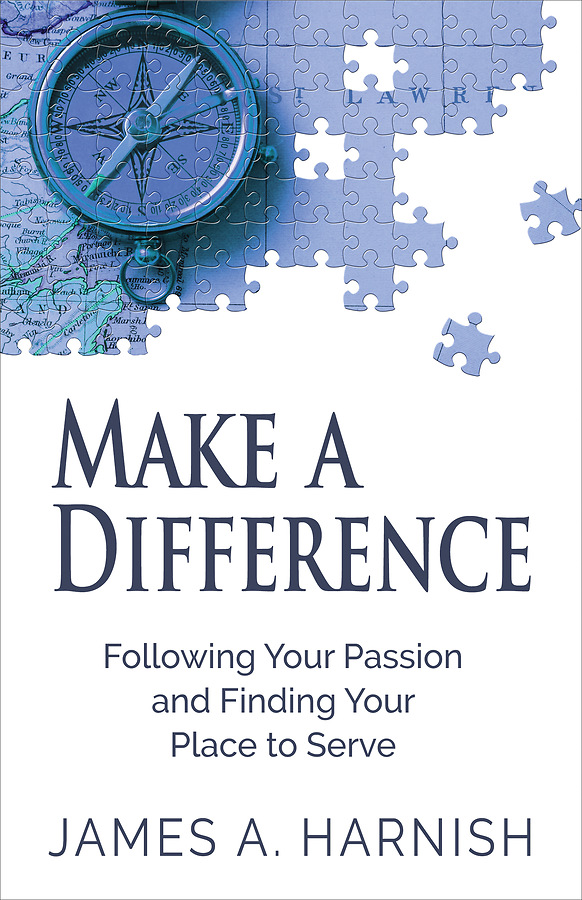
- Make a Difference: Following Your Passion and Finding Your Place to Serve by James A. Harnish
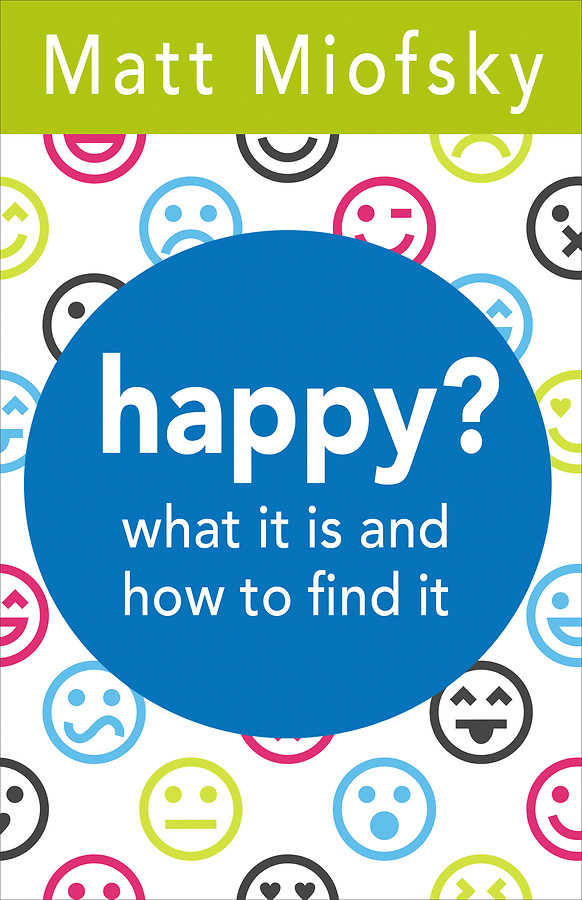
- Happy? What It Is and How to Find It by Matt Miofsky
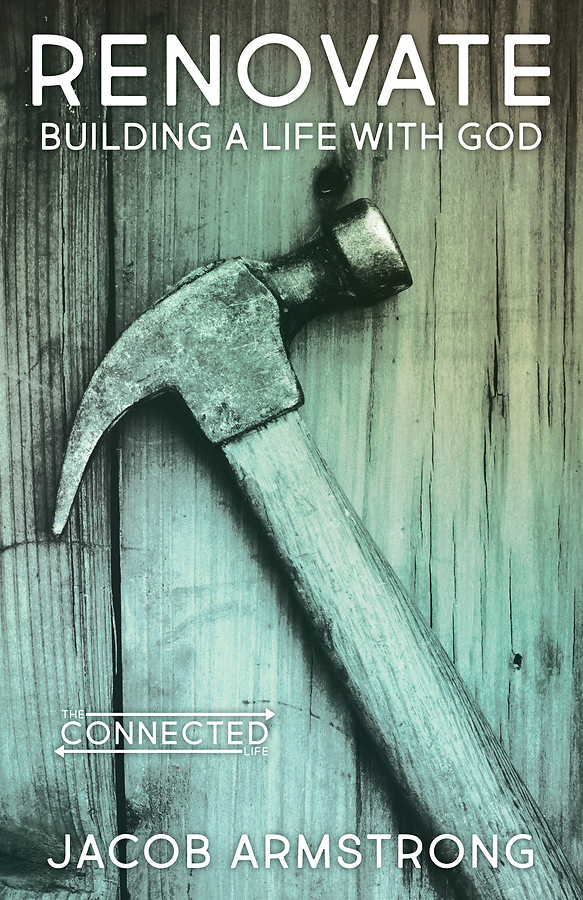
- Renovate: Building a Life with God by Jacob Armstrong
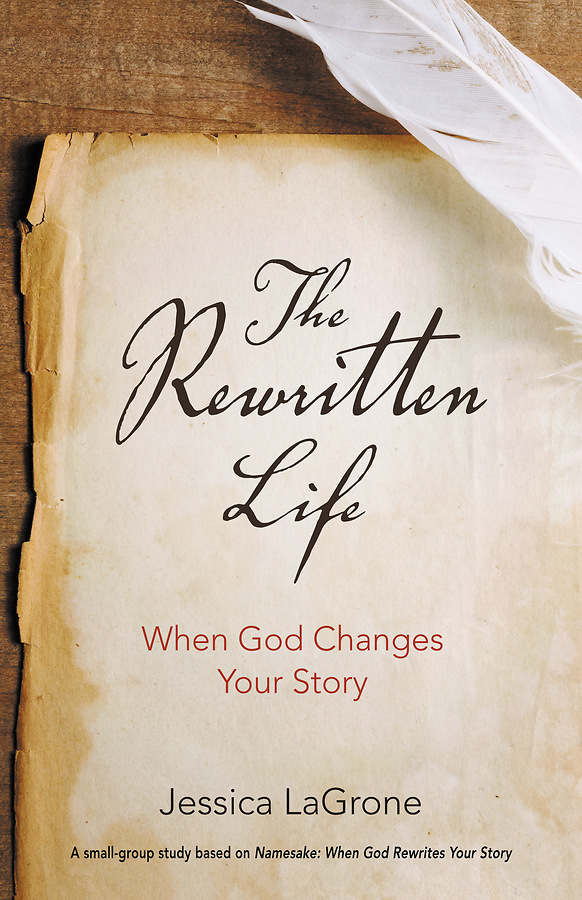
- The Rewritten Life: When God Changes Your Story by Jessica LaGrone
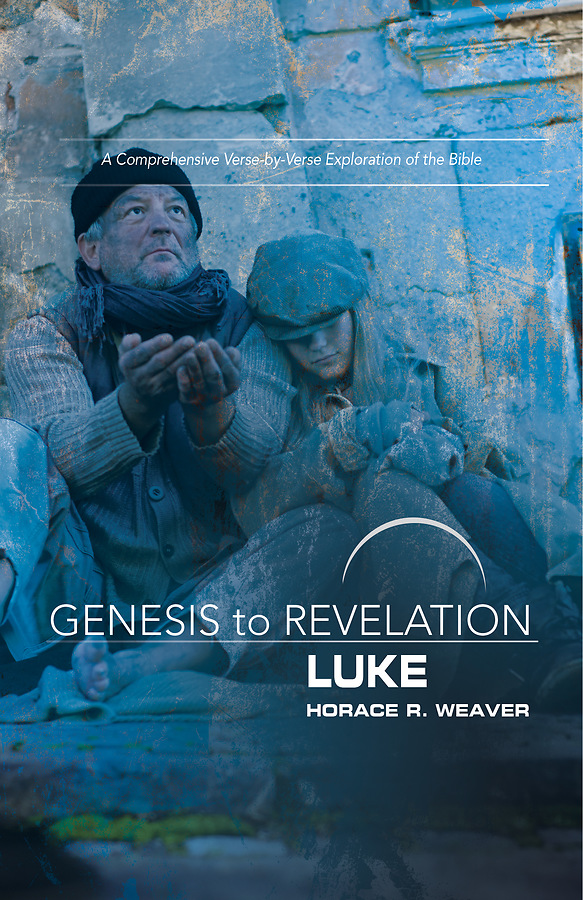
- Genesis to Revelation: Luke, Participant Book by Horace R. Weaver
Devotionals
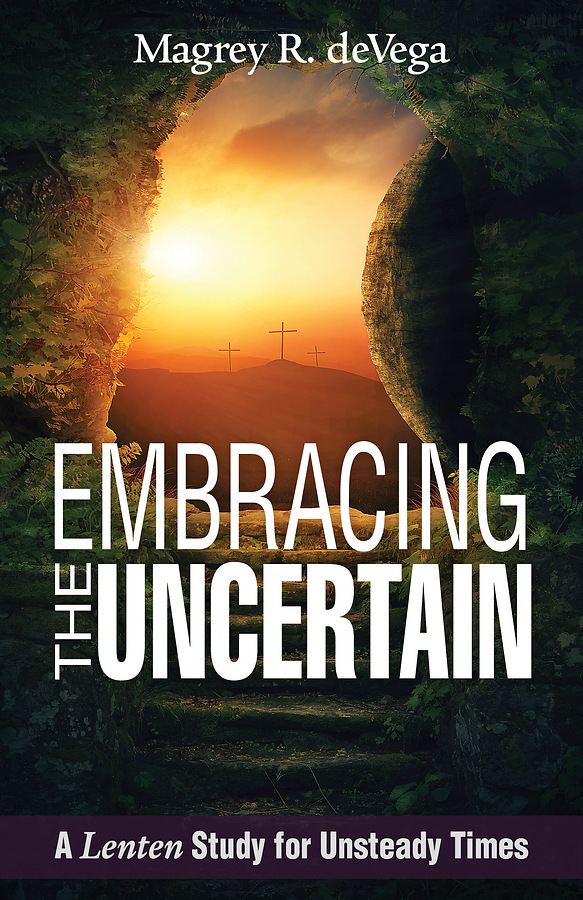
- Embracing the Uncertain: 40 Devotions for Unsteady Times by Magrey deVega
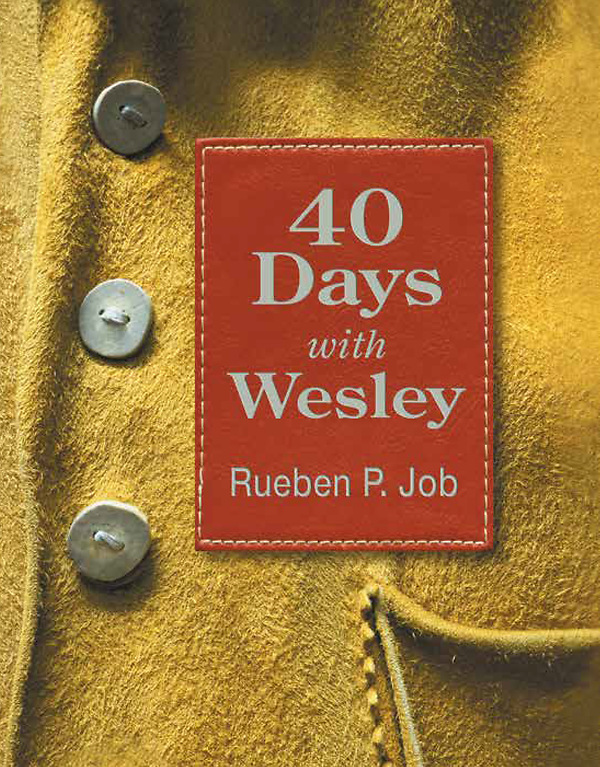
- 40 Days with Wesley: A Daily Devotional Journey by Rueben P. Job
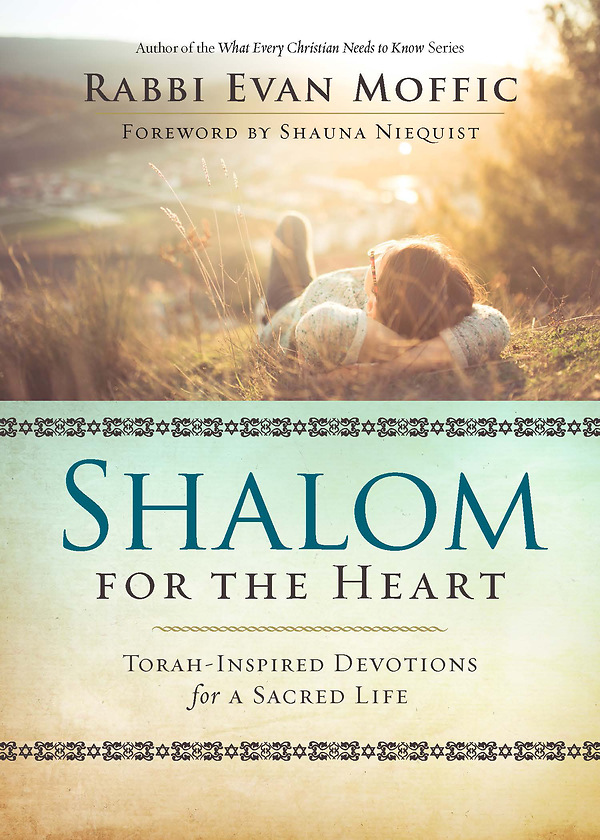
- Shalom for the Heart: Torah-Inspired Devotions for a Sacred Life by Rabbi Evan Moffic
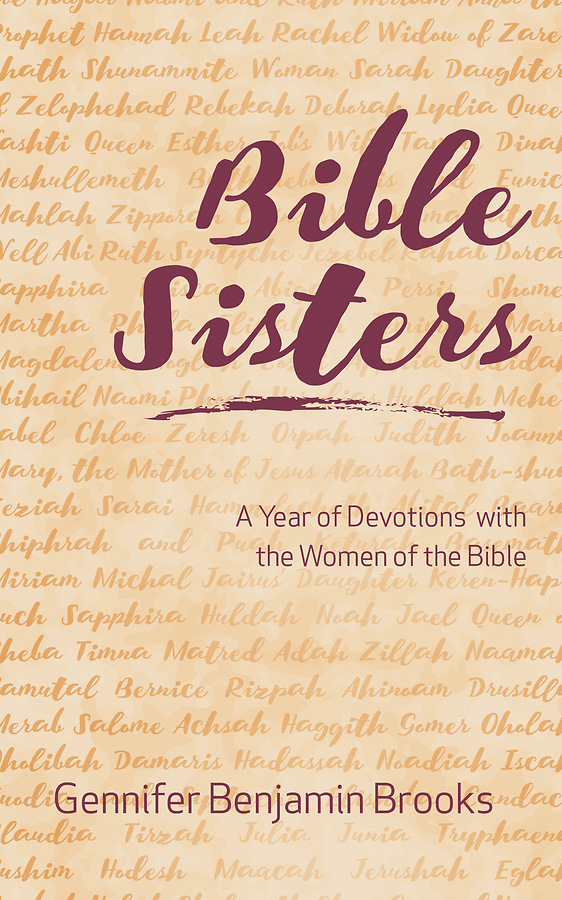
- Bible Sisters: A Year of Devotions with the Women of the Bible by Gennifer Benjamin Brooks
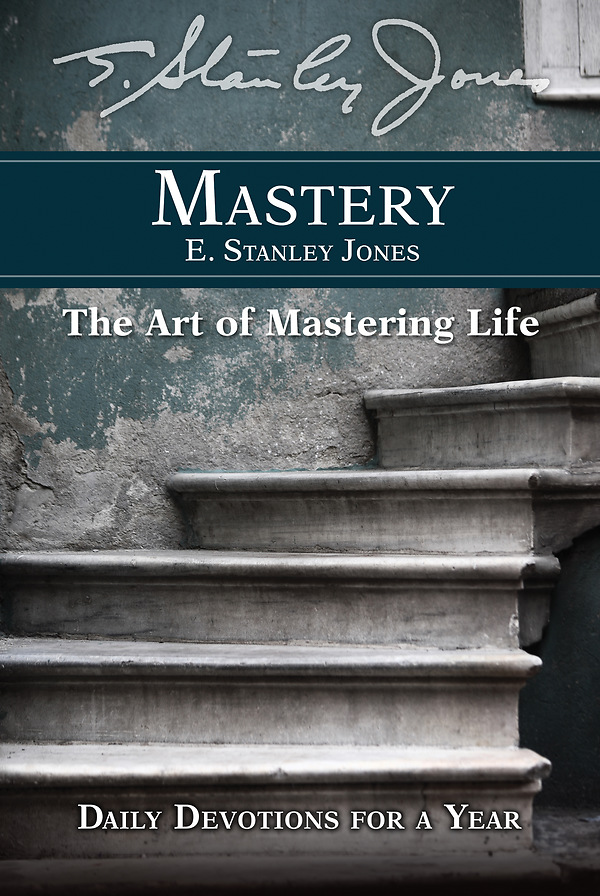
- Mastery: Daily Devotions for a Year by E. Stanley Jones
Christian Living
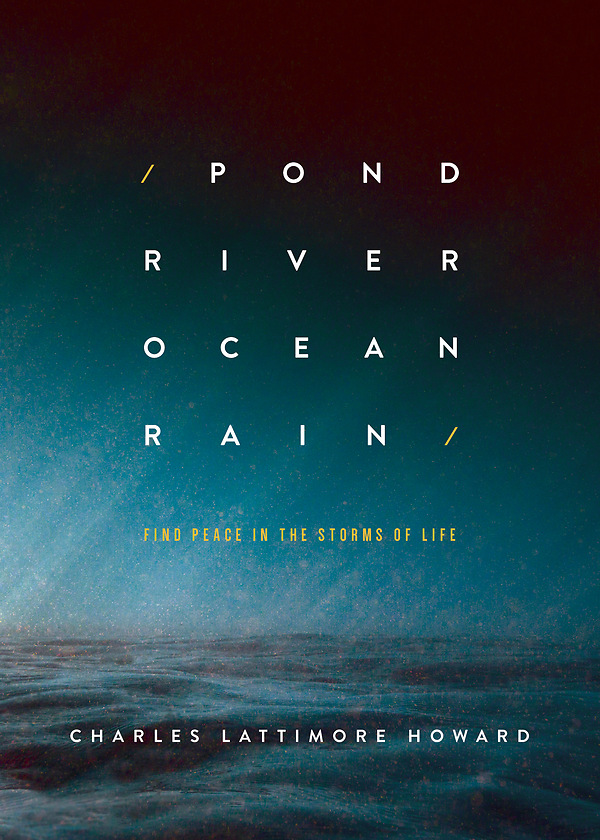

- Pond River Ocean Rain: Find Peace in the Storms of Life by Charles Lattimore Howard
- @stickyJesus: How to Live Out Your Faith Online by Toni Birdsong and Tami Heim
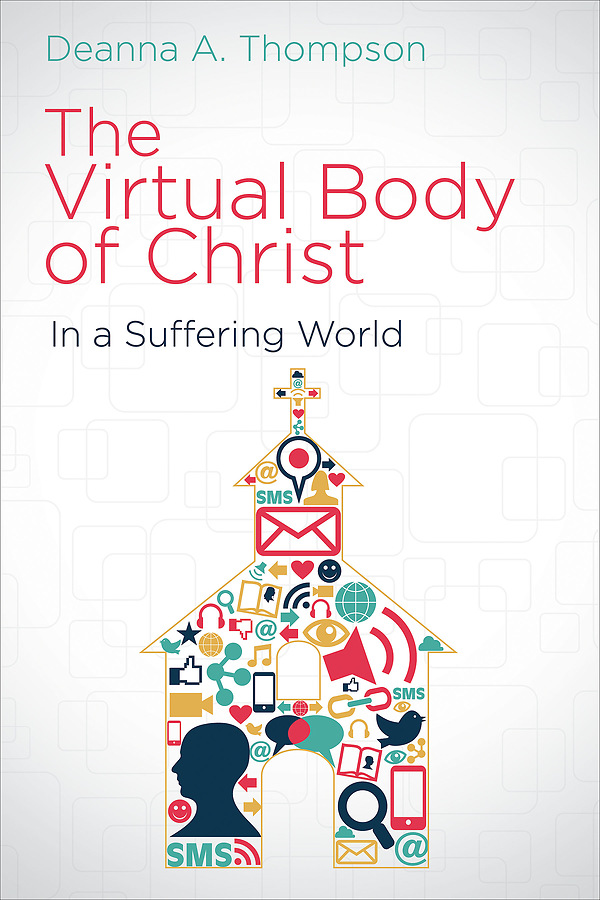
- The Virtual Body of Christ in a Suffering World by Deanna A. Thompson
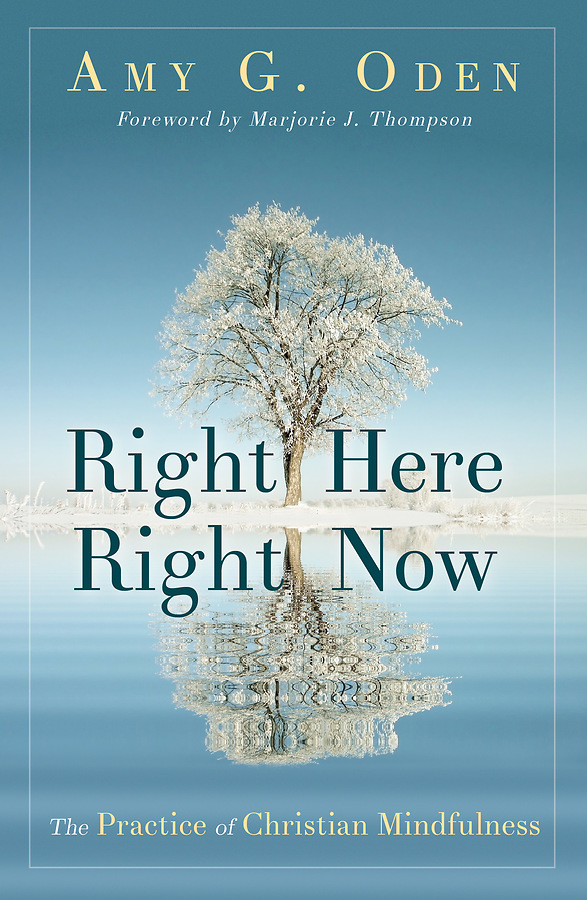
- Right Here Right Now: The Practice of Christian Mindfulness by Amy G. Oden
- Punching Holes in the Dark: Living in the Light of the World by Robert Benson
Families
- Family Time with God: Bible Story Activities for Every Day by Peg Augustine
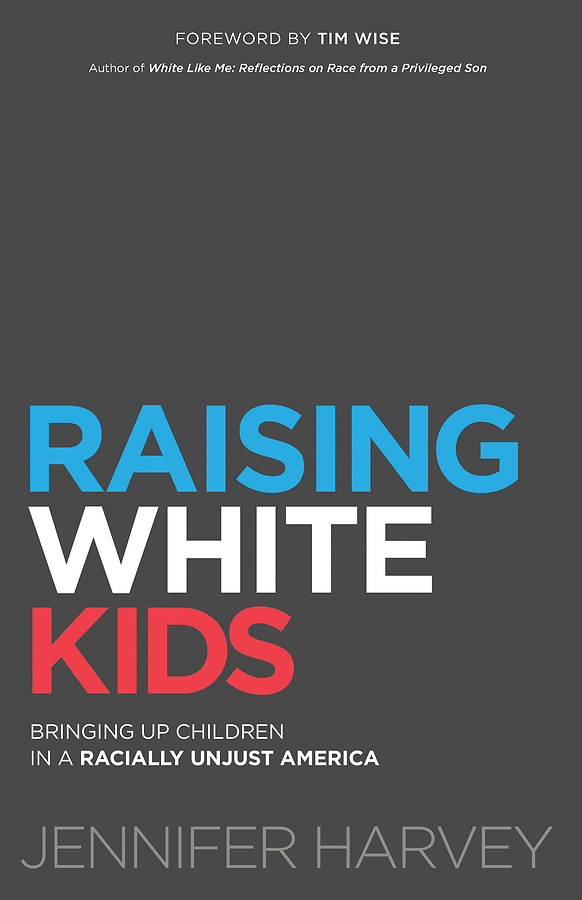
- Raising White Kids: Bringing up Children in a Racially Unjust America by Jennifer Harvey
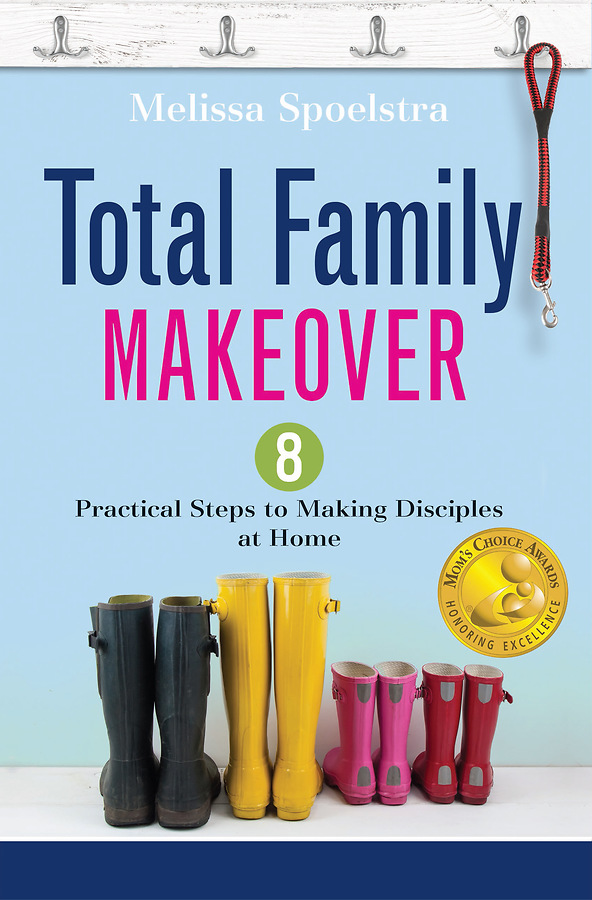
- Total Family Makeover: 8 Practical Steps to Making Disciples at Home by Melissa Spoelstra
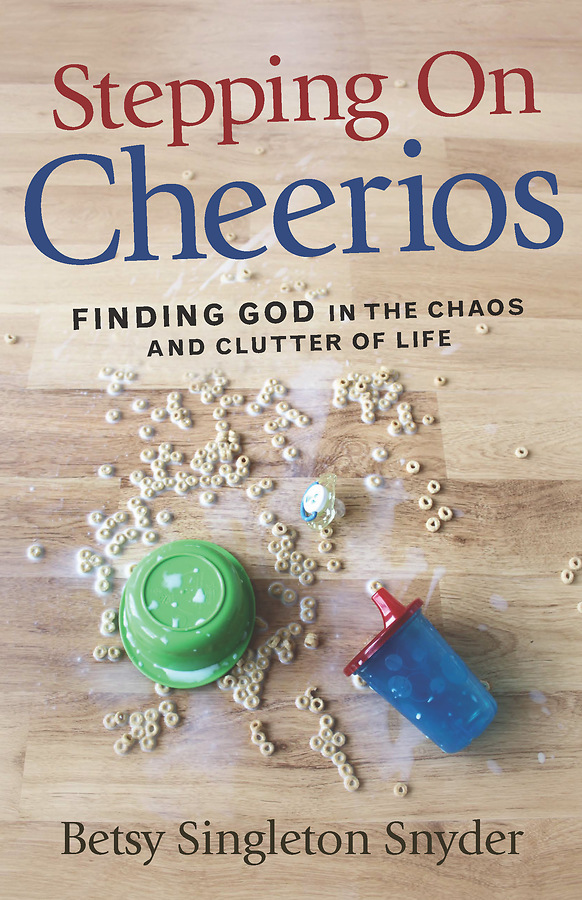
- Stepping on Cheerios: Finding God in the Chaos and Clutter of Life by Betsy Singleton Snyder
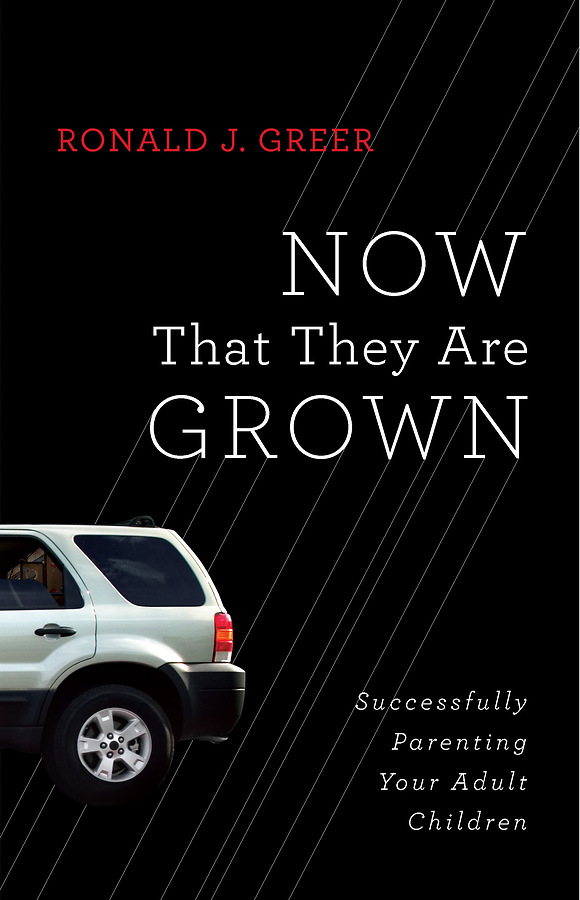
- Now That They Are Grown: Successfully Parenting Your Adult Children by Ronald J. Greer
Social Issues
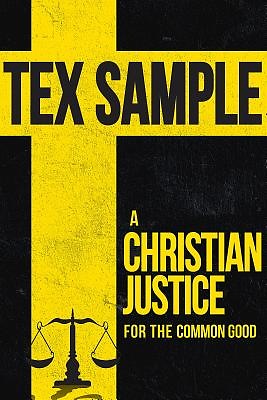


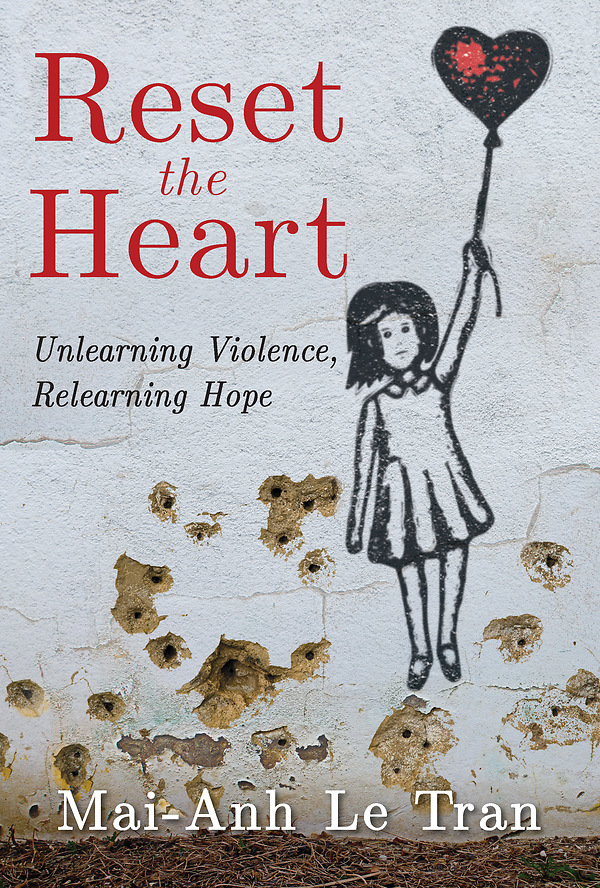
- A Christian Justice for the Common Good by Tex Sample
- Is It Time? Helping Laity and Clergy Discuss Homosexuality One Question at a Time by Adolf Hansen
- Holding up Your Corner: Talking about Race in Your Community by F. Willis Johnson
- Reset the Heart: Unlearning Violence, Relearning Hope by Mai-Anh Le Tran
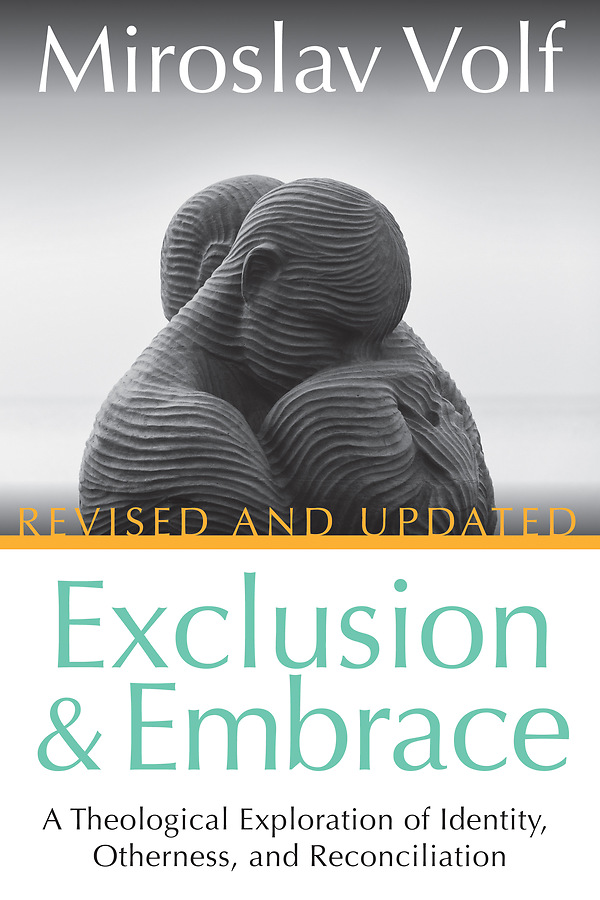
- Exclusion & Embrace: A Theological Exploration of Identity, Otherness, and Reconciliation by Miroslav Volf
Methodism
- Top 10 United Methodist Beliefs by Don Adams
- What Are We Fighting For? Coming Together Around What Matters Most by Thomas J. Bickerton
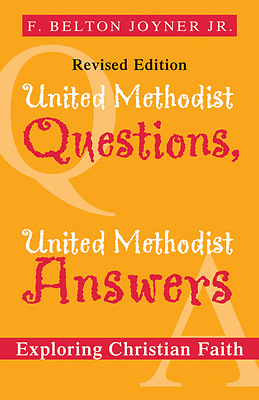
- United Methodist Questions, United Methodist Answers, Revised Edition: Exploring Christian Faith by Belton Joyner
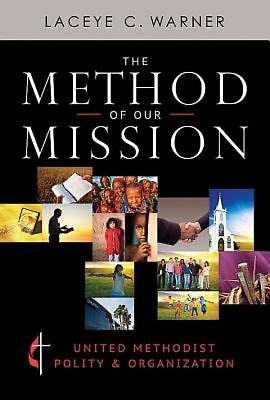
- The Method of Our Mission: United Methodist Polity and Organization by Laceye C. Warner
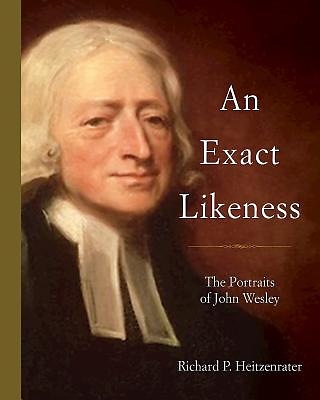
- An Exact Likeness: The Portraits of John Wesley by Richard P. Heitzenrater
Church Leadership
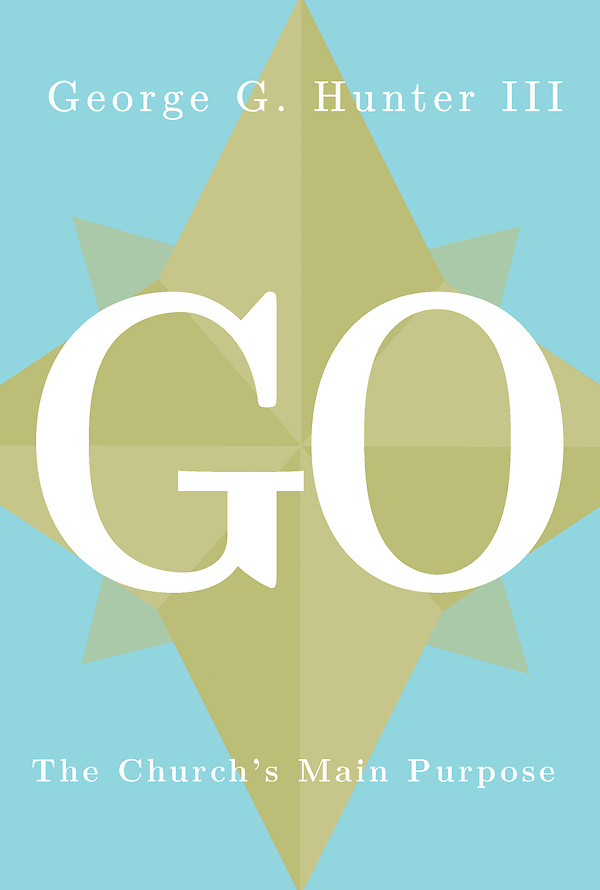
- Go: The Church’s Main Purpose by George G. Hunter, III
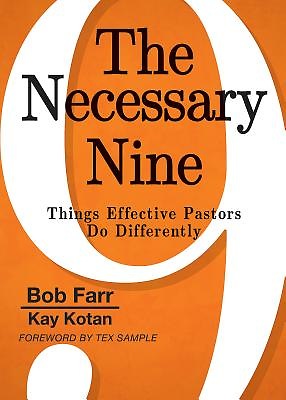
- The Necessary Nine: Things Effective Pastors Do Differently by Bob Farr and Kay Kotan
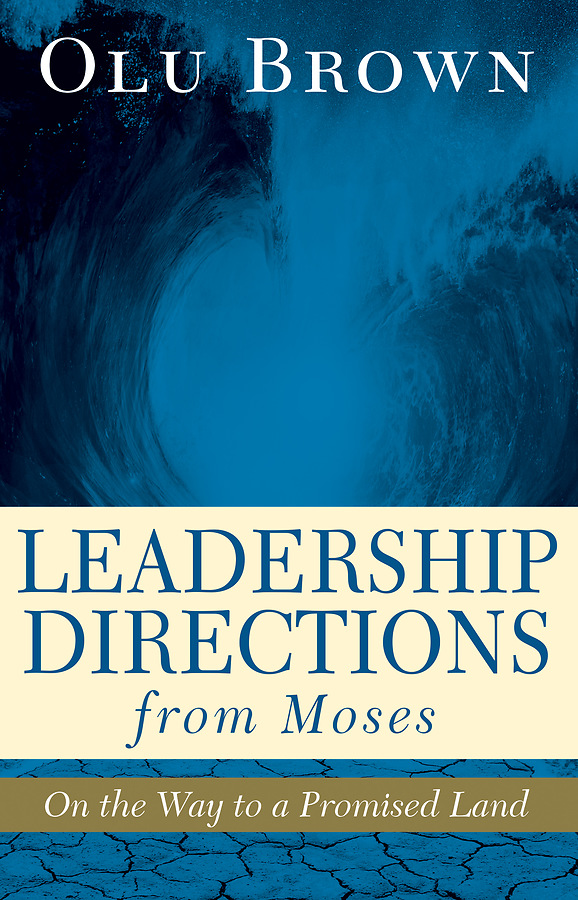
- Leadership Directions from Moses: On the Way to a Promised Land by Olu Brown
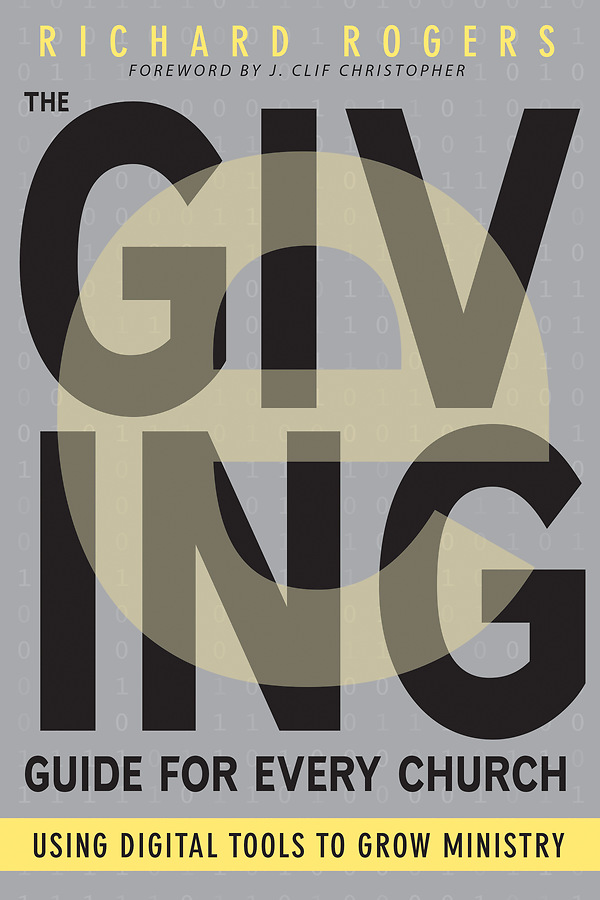
- The e-Giving Guide for Every Church: Using Digital Tools to Grow Ministry by Richard Rogers
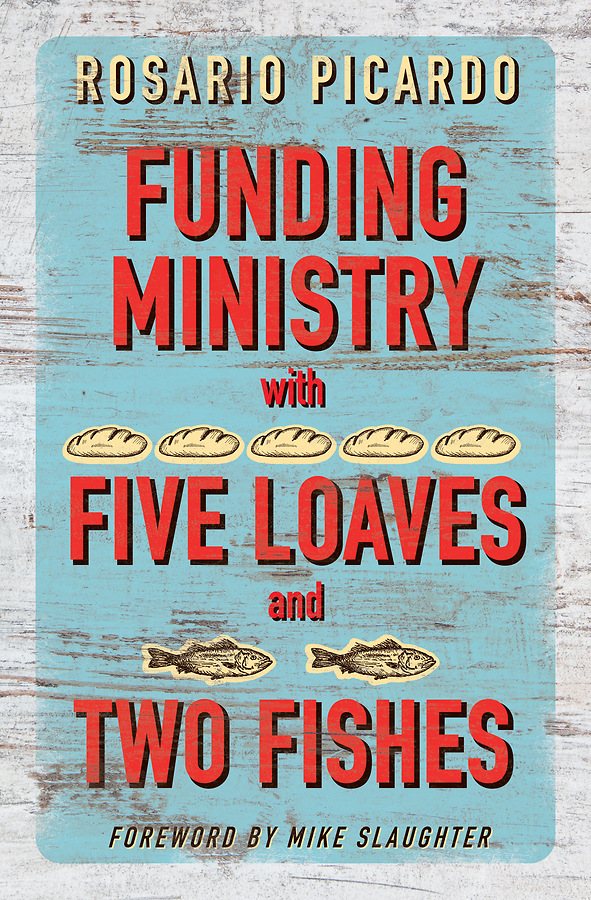
- Funding Ministry with Five Loaves and Two Fishes by Rosario Picardo
Preaching
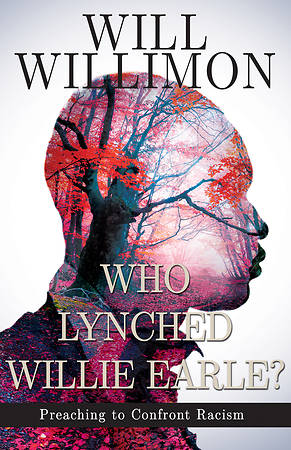
- Who Lynched Willie Earle? Preaching to Confront Racism by William H. Willimon
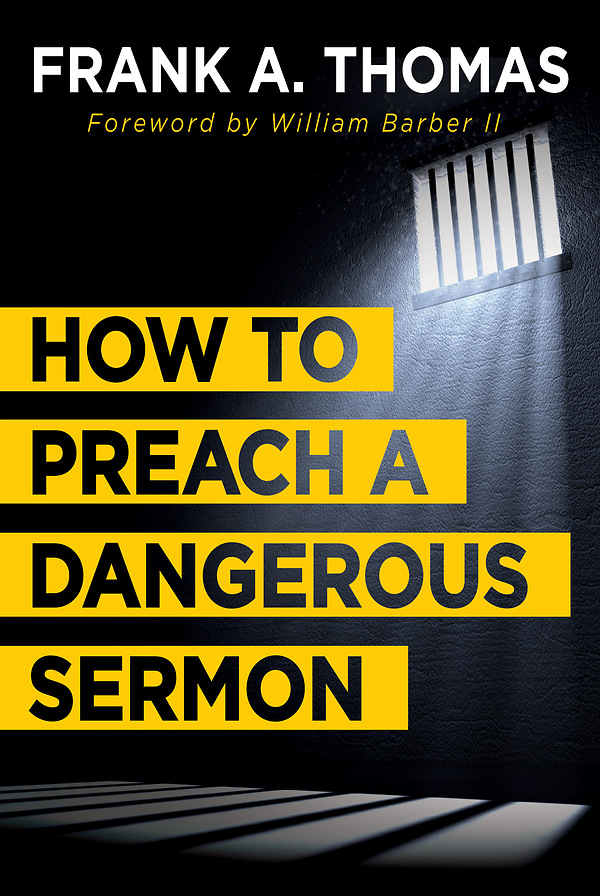
- How to Preach a Dangerous Sermon by Frank A. Thomas
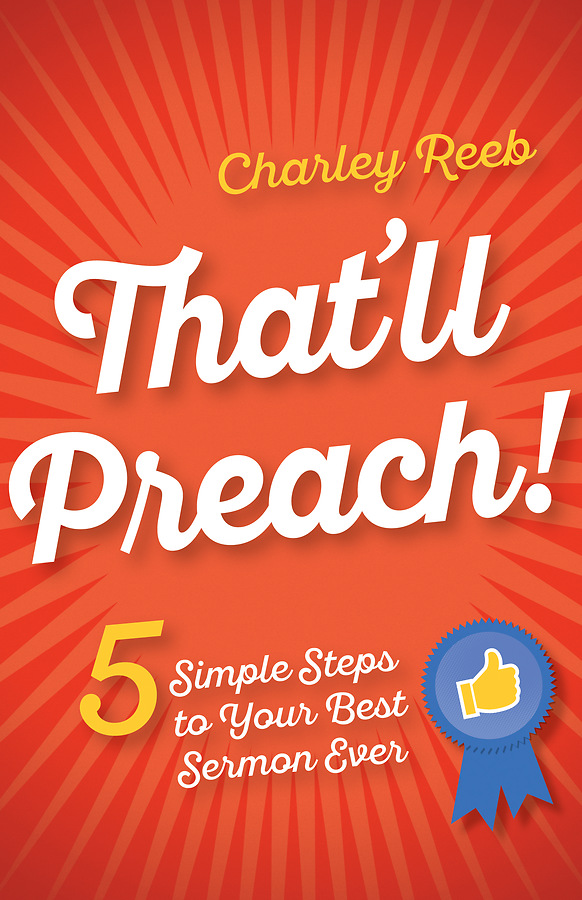
- That’ll Preach! 5 Simple Steps to Your Best Sermon Ever by Charley Reeb
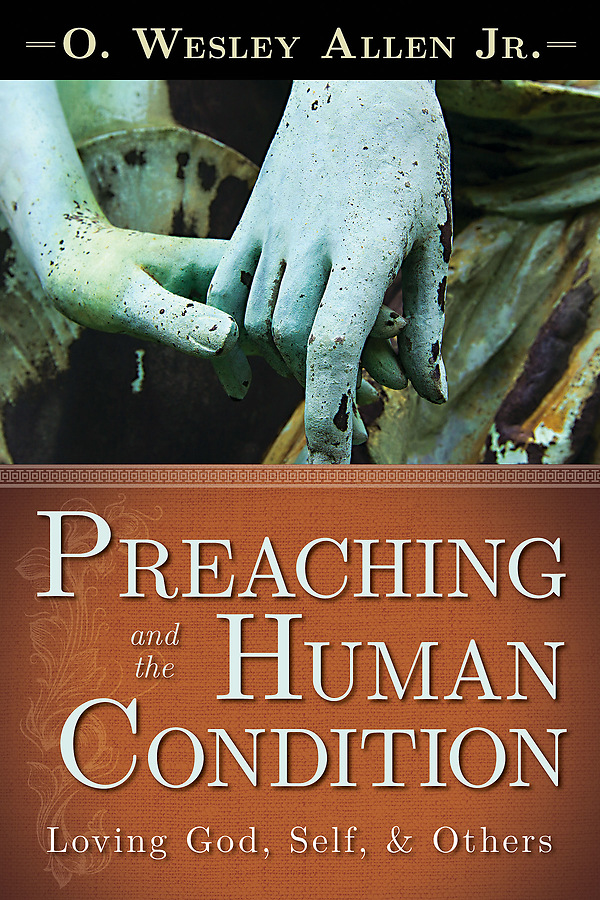
- Preaching and the Human Condition: Loving God, Self, and Others by O. Wesley Allen, Jr.
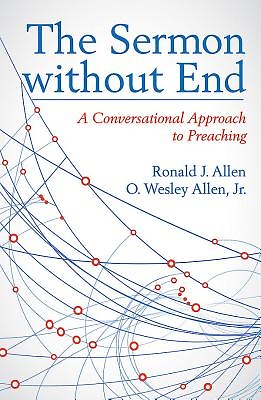
- The Sermon Without End: A Conversational Approach to Preaching by Ronald J. Allen and O. Wesley Allen, Jr.
Youth & Children’s Ministry
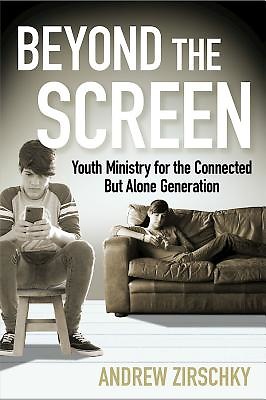

- Beyond the Screen: Youth Ministry for the Connected but Alone Generation by Andrew Zirschky
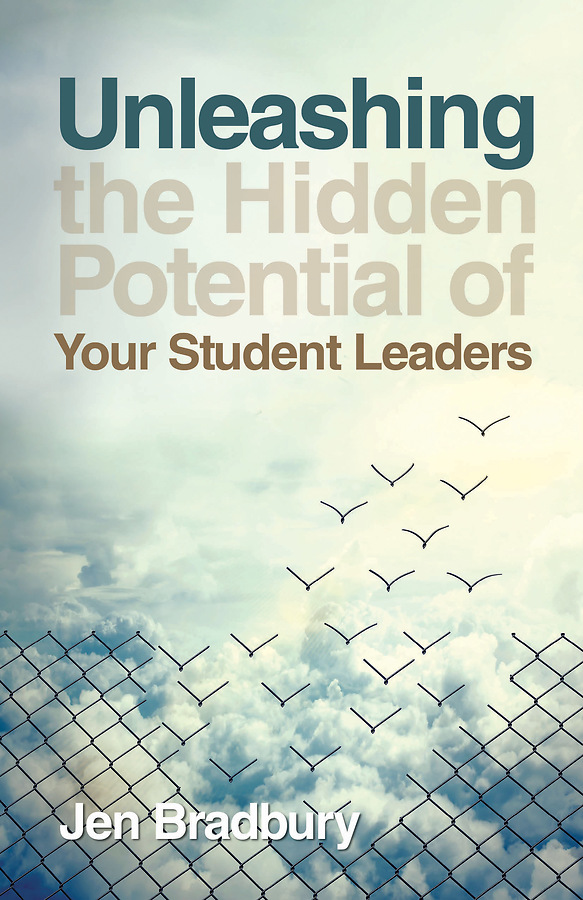
- Unleashing the Hidden Potential of Your Student Leaders by Jen Bradbury
- 6 Secrets of Preteen Ministry by Sarah Flannery
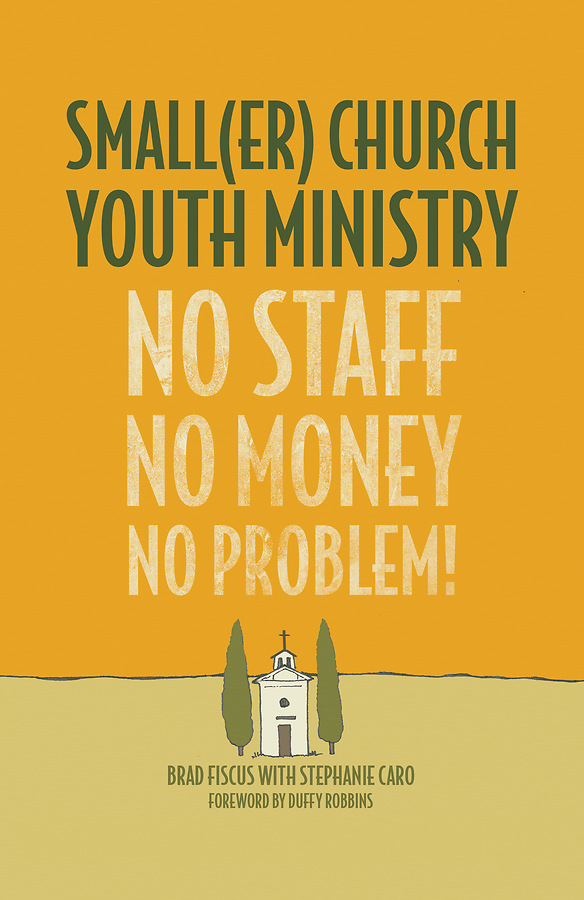
- Smaller Church Youth Ministry: No Staff, No Money, No Problem! by Brad Fiscus and Stephanie Caro
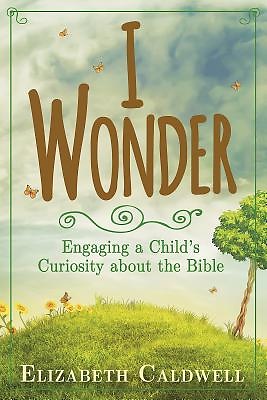
- I Wonder: Engaging a Child’s Curiosity about the Bible by Elizabeth Caldwell
Questions?
If you have questions about how to access these free ebooks, please contact the NC Conference Media Center at ldallas@nccumc.org, or use the chat box in the lower right corner of this website. You could also contact your local public library.